Downloading countersigned subscription agreements (only for closed deals)
- Go to your deal and click on the Investors tab.
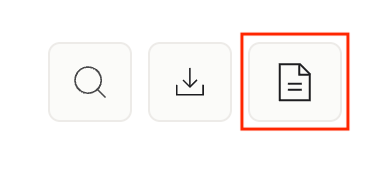
- Above the investor table on the right, click on the document icon to download countersigned documents.
- Sydecar will generate a ZIP file with the countersigned subscription agreement for each investor who is a member of the SPV.
Downloading your investor list (CSV)
- Open your deal and click on the Investors tab.
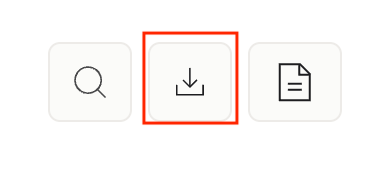
- Click Download, located above the investor table, to the left of Add Investor.
- Sydecar will generate a CSV of your full investor list, including their contact details.
Downloading other deal documents
All other deal documents such as the SPV's LLCA, EIN confirmation, and any investment agreements signed with target companies are in the Data Room.
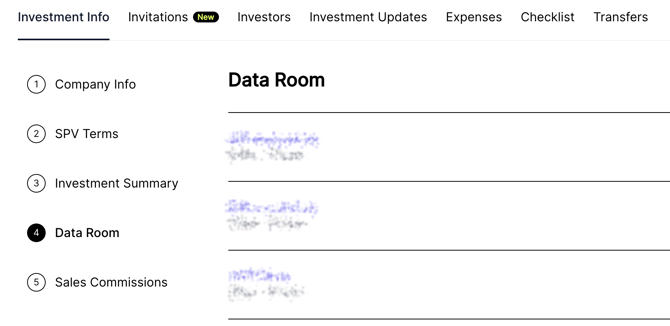
- Go to your deal and click on the Investment Info tab.
- Click Data Room.
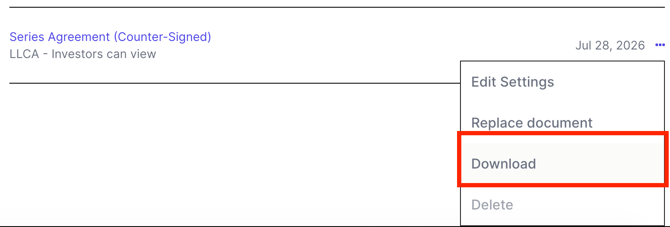
- Scroll to the document you would like to download, and click on the 3 dots on the right.
- Choose Download.