
After you sign your subscription agreement, your investment page shows how much you have committed, how much has arrived, and what is still due. Follow the steps below for the method you choose.
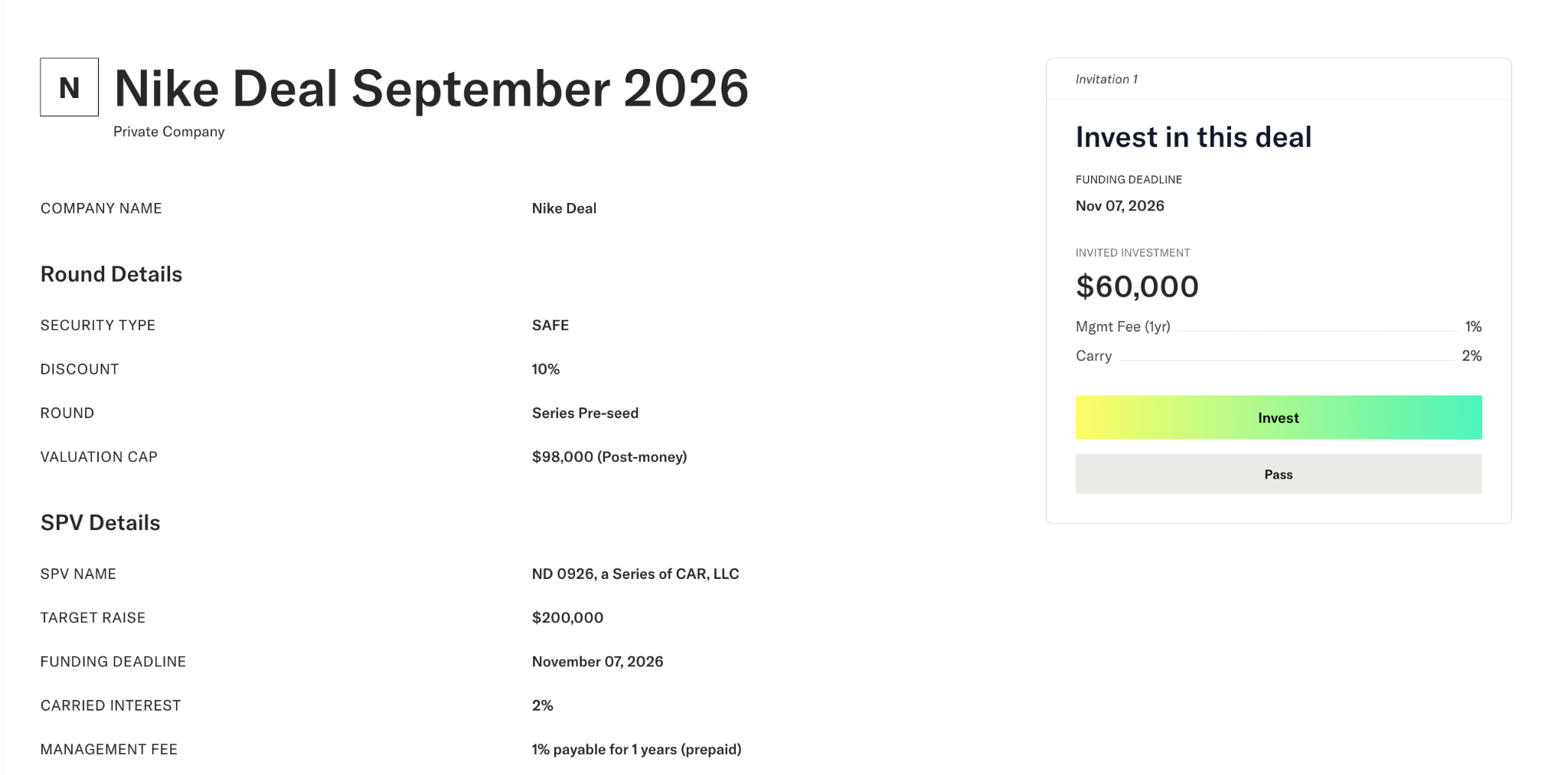
Choose a funding method
- On your investment page, click "Fund" (the button shows the amount you owe).
- The amount due is shown at the top. Choose a method:
- US Wire. A wire from a bank account in the US.
- Wise Transfer. For sending from a bank account outside the US. See How do I fund my investment from a bank outside the US?
- ACH. A bank transfer from a US account you link during the flow.
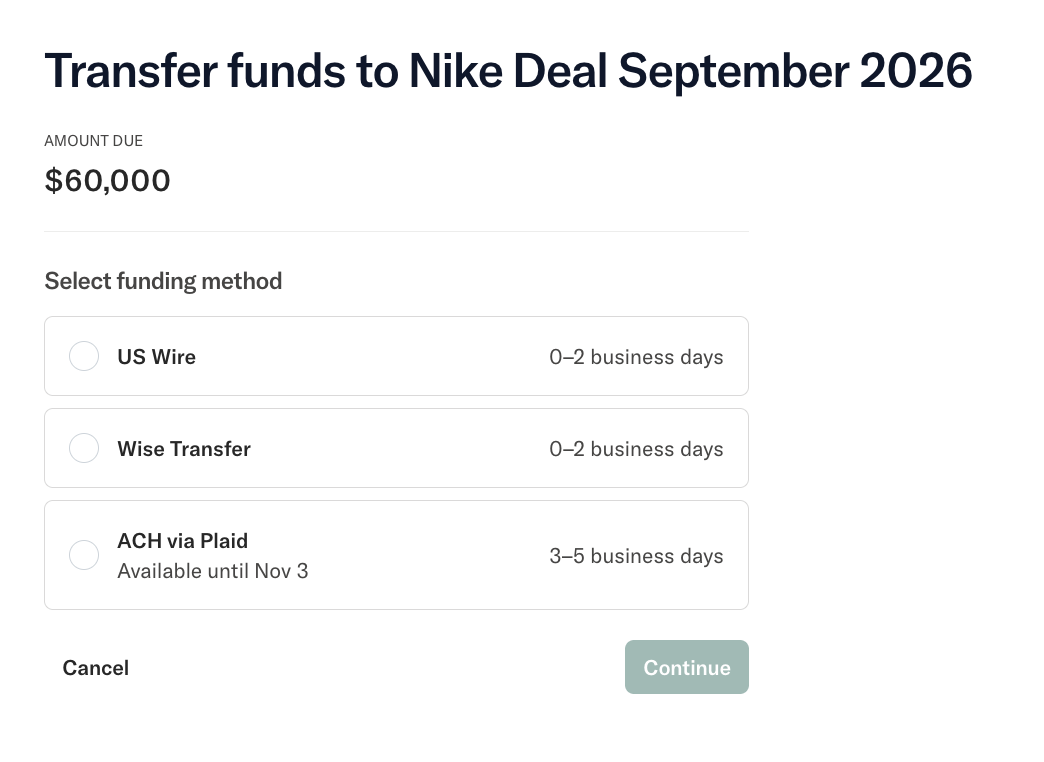
Send money only from an account in your name.
Fund by wire
- Select "US Wire". Your wire instructions and the exact amount to send appear on screen. Use the copy icon next to each field, or download the instructions as a PDF.
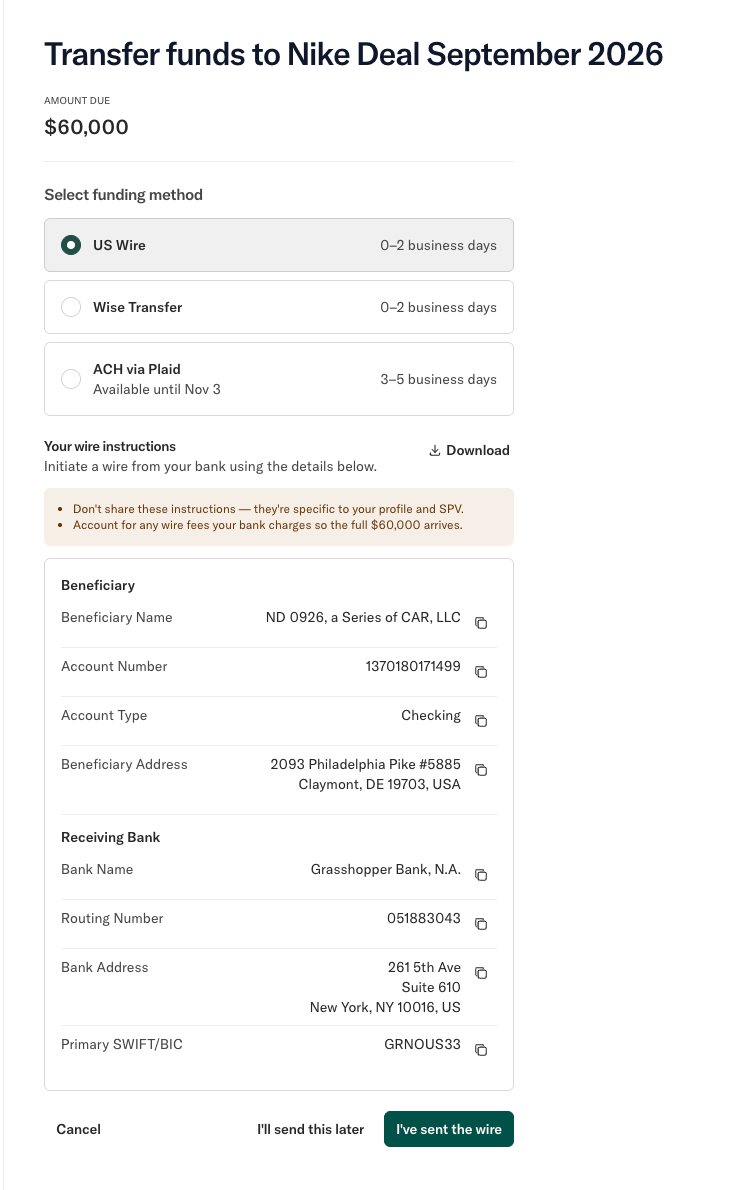
- Send the wire from your bank using these details exactly. The account number is unique to your investment; do not reuse instructions from another deal or another investor.
- Come back and click "I've sent the wire", then confirm you sent the full amount. This records that your money is on the way and keeps you from paying twice.
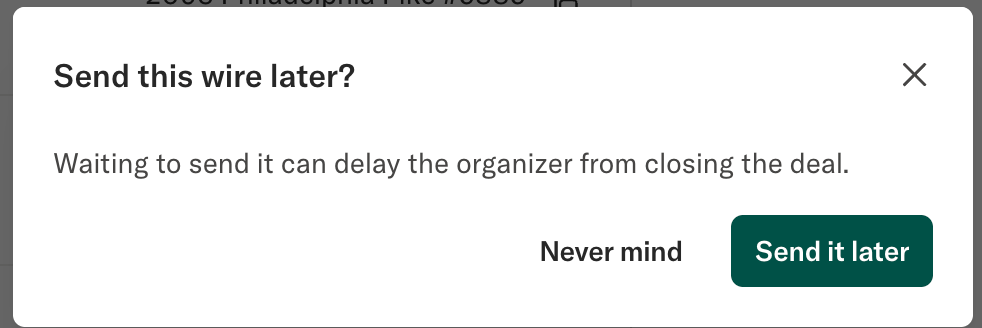
If you are not ready to send yet, choose "I'll send this later". You can return to the same instructions from your investment page at any time. 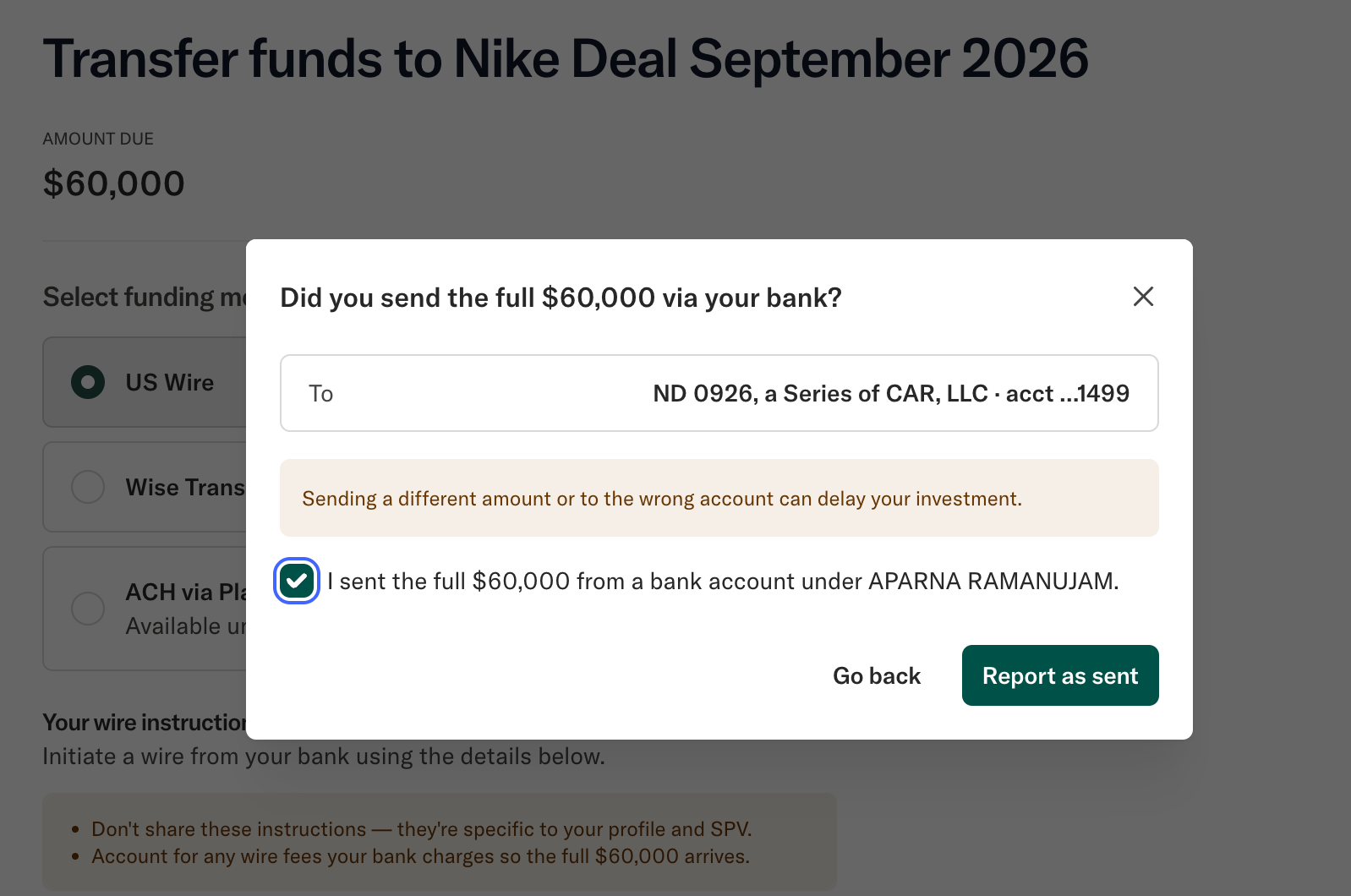
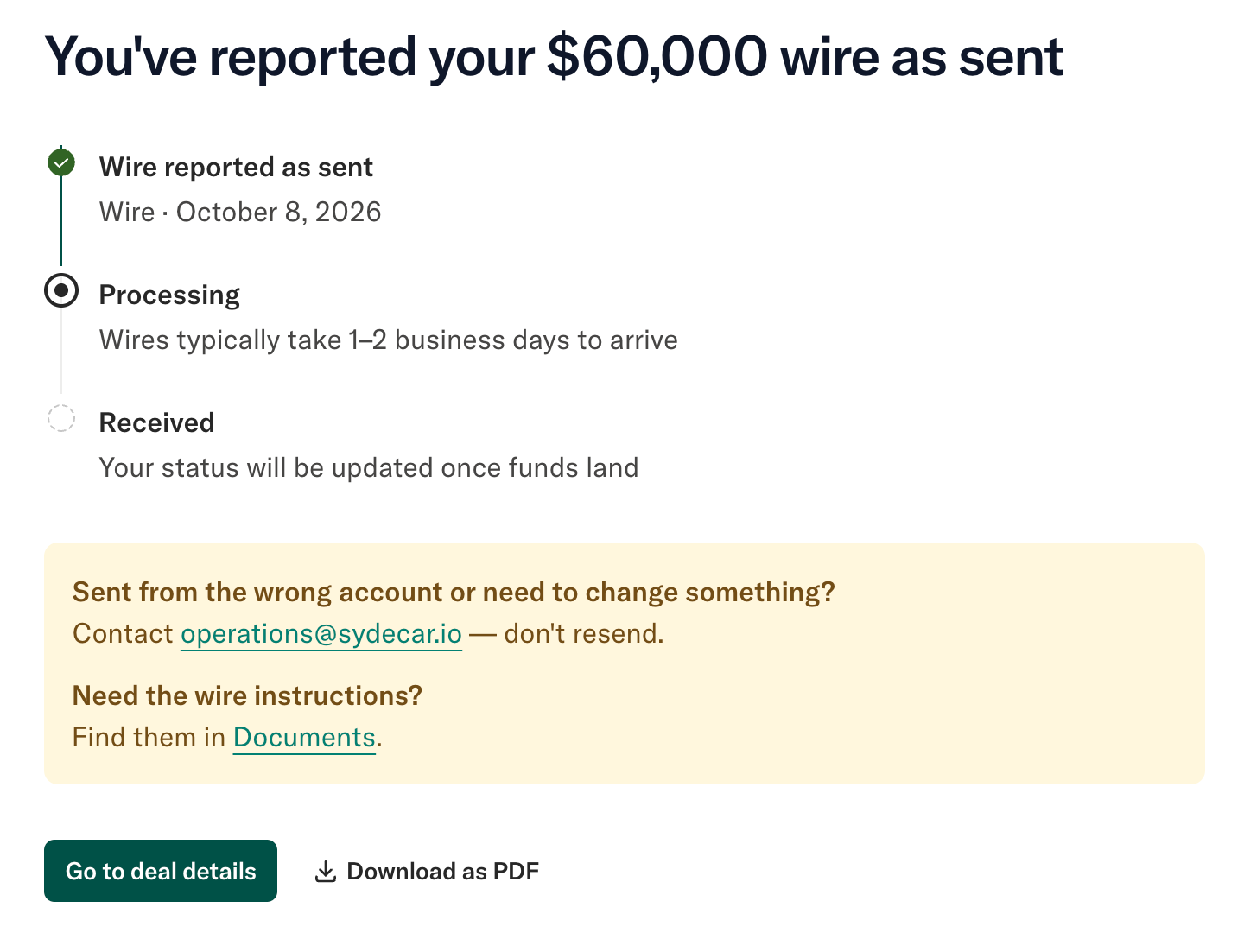
The wire reported page lets you download a record of the wire you reported. It is a record of what you told us, not a receipt, and it does not update after you download it.
Fund by ACH
- Select "ACH" and link your bank. Linking your bank does not send any money.
- Click "Authorize transfer", then confirm. You land on a page showing your ACH is processing. ACH transfers usually take a few business days to settle.
Track your funding
Your investment page shows one of these states:
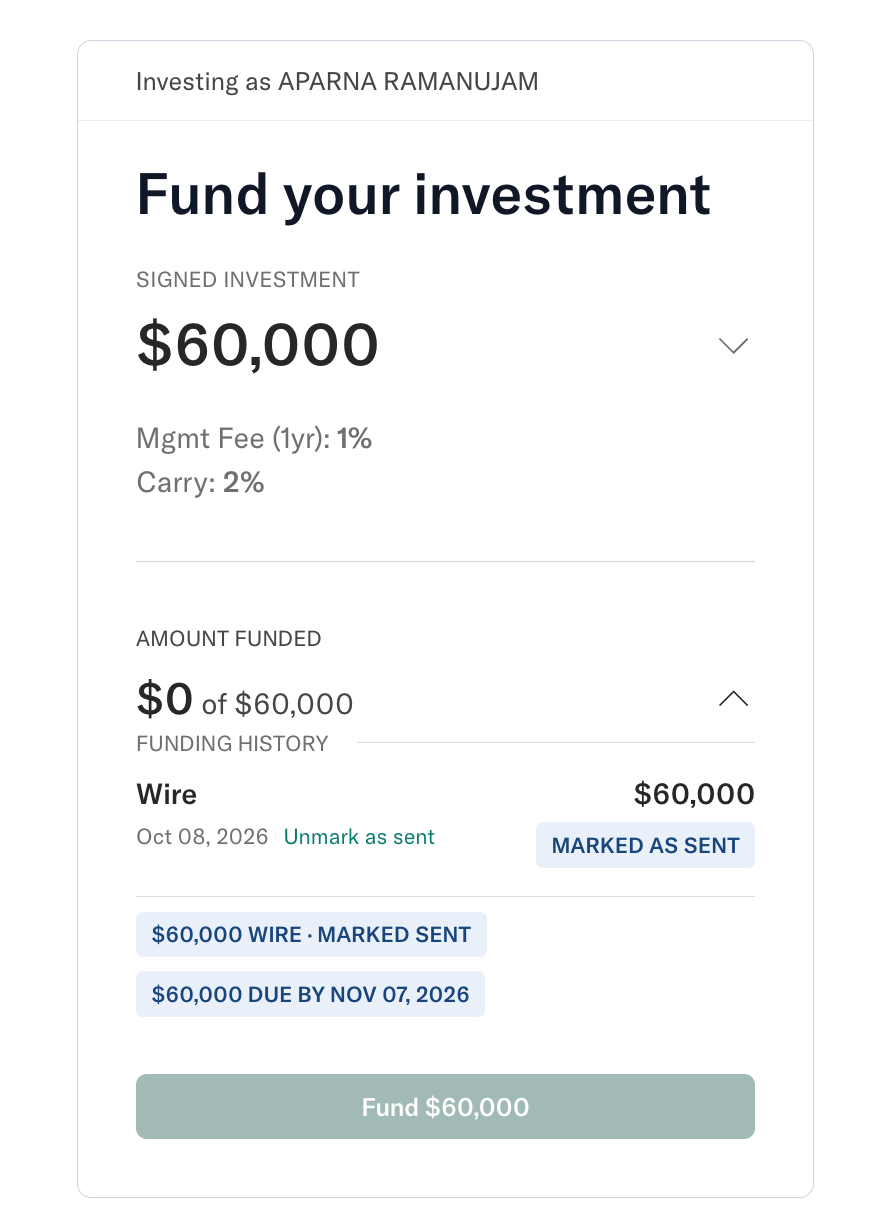
- Awaiting funds. Nothing has arrived yet. The amount due and the due date are shown.
- Funding in progress. An ACH is on its way.
- Partially funded. Some money has arrived and the rest is still due.
- Fully funded. Your full commitment has arrived.
- Over-funded. More has arrived than your commitment.
Click "Amount funded" to open your funding history: each payment with its method, date, amount and status ("In progress" until it arrives, "Settled" once it does).
 FAQs
FAQs
I marked my wire as sent, but the page still says money is due. Did it go through?
Probably, yes. Marking a wire as sent is your note that money is on the way. Your investment counts as funded only once the money arrives in your deal's account, so the amount due stays until then. Domestic wires usually take 1 to 2 business days. If it has been longer than 3 business days, contact operations@sydecar.io with your bank's confirmation.
Why can't I click "Fund" right now?
The button is turned off while a wire is marked as sent or an ACH is in progress, so you don't pay twice. It turns back on once the money arrives and more is still due, or when you unmark a wire you have not sent.
I marked my wire as sent by mistake. How do I undo it?
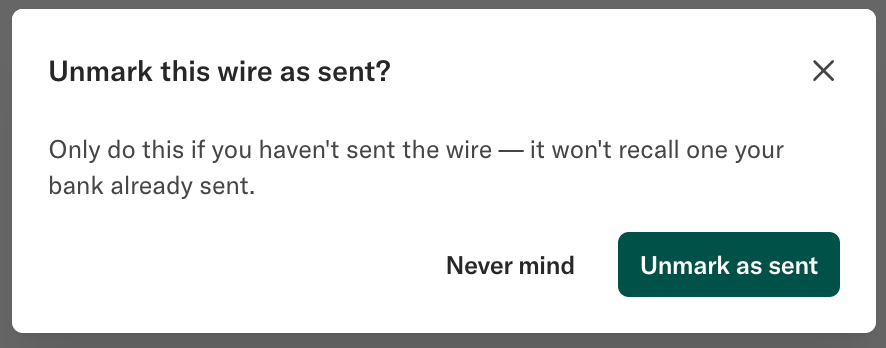
Open your investment, click "Amount funded", and choose "Unmark as sent" on the wire. This only clears your note to us. It cannot recall a wire your bank has already sent.
 My ACH is processing. Should I also send a wire to be safe?
No. Your ACH is already counted as on its way, and sending a second payment means waiting for a refund of the extra. If your deal is closing before the ACH arrives, contact your deal lead.
Will I get an email when my money arrives?
No. Your investment page and funding history update when the money arrives.
My page says I am over-funded. When do I get the extra back?
Only your signed amount goes into the investment. The difference is refunded after the deal closes, usually within 5 to 7 business days, and only once you have payment instructions on your profile. To add them, see How do I add Payment Instructions to Sydecar? Your page shows "Contact organizer" because your deal lead approves refunds; contact them first with any questions.
My allocation was reduced. Do I need to send anything?
If you have already sent your money, no. Once it arrives you show as over-funded, and the extra is refunded after close. If you have not sent anything yet, "Fund" shows your new, lower amount.
Why is my funding history empty?
Investments funded before October 8, 2026 do not show a funding history. The amounts shown on your investment are correct.
My commitment went up after I started paying. What do I owe?
The "Fund" button and the amount due show only the remaining balance. Any ACH already on its way is counted, so you are never asked to send it again.
Need help? Contact operations@sydecar.io with questions about funding your investment.